 Open full size
Start with the decision the report supports
A useful Cube View starts with a user question: what needs to be compared, at what grain, and what action follows from the result? That decision drives the row and column definitions, scenario selection, view, time, drill behavior, and amount of detail shown to the user.
Keep layout and business logic distinct
The Cube View defines the report structure; a Cube View Extender rule can apply advanced formatting and report behavior across views. Keeping these responsibilities separate makes a layout easier to reuse and makes rule changes easier to review.
Use Cube Views inside dashboards
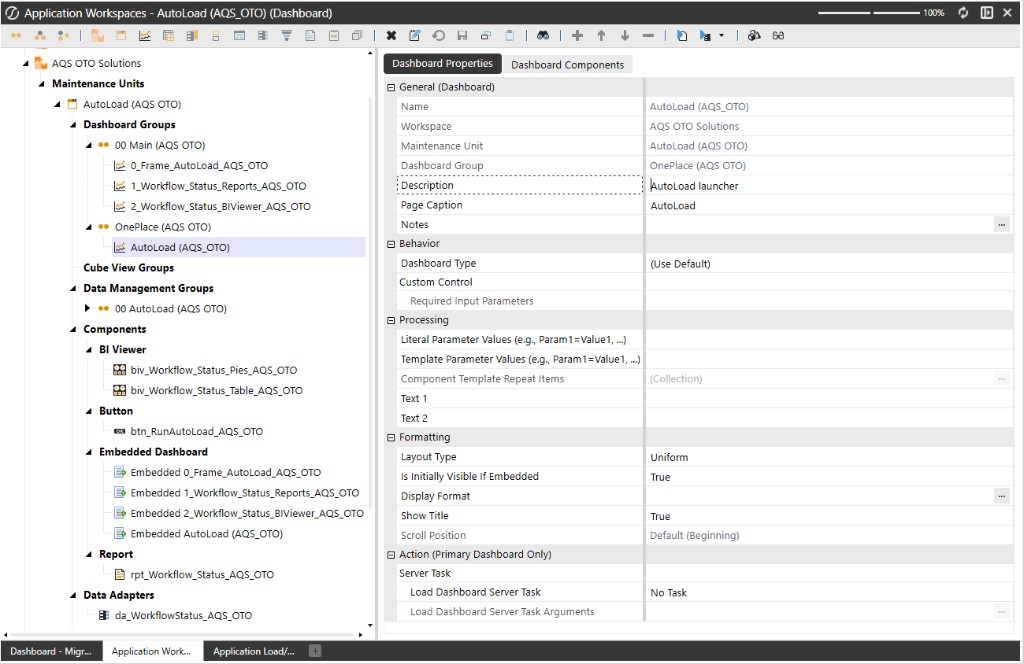
A Cube View can be surfaced in a dashboard alongside filters, parameters, charts, navigation, and supporting components. This is useful when users need both a summary and a route to underlying detail without switching between several disconnected screens.
Looking for a specific workflow? Return to the OneStream resources hub to browse related practical guides.
Ready to build this in OneCraft?
Describe what you need in plain English — OneCraft drafts and validates the OneStream files for you.