 Open full size
 Open full size
The checks in a OneCraft workflow
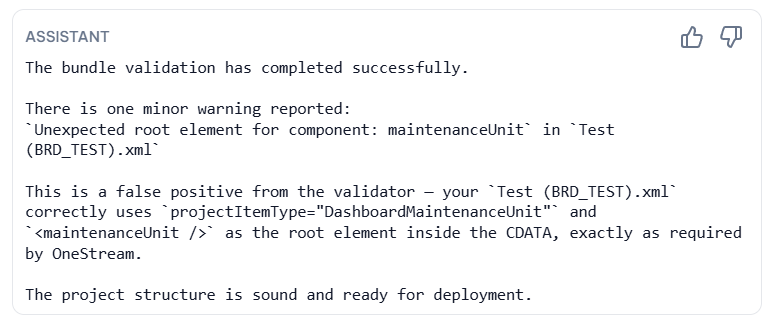
Different file types need different checks. XML and XFProj files need well-formed structure and the correct wrapper shape. VB.NET and C# business rules need compilation feedback. Object names need to follow the project's naming conventions. A populated project can also be checked as a bundle to find cross-file references and structural conflicts.
Why earlier feedback is safer
A structural issue is easier to fix when the generated file, user request, and relevant surrounding files are visible together. This reduces the cycle of exporting a package, importing it into OneStream, discovering an issue, and trying to reconstruct the reason for the original decision.
- Naming checks for object and component consistency.
- XML/XFProj validation for structured project files.
- VB.NET or C# compilation for code artifacts.
- Bundle-level validation when the workspace contains an XFProj package.
Validation is a gate, not a substitute for review
Validation can detect known structural and technical issues; it cannot decide whether a dashboard layout, business calculation, or user process is correct for a specific finance team. Review the generated output and test it in the appropriate OneStream environment before production use.
Looking for a specific workflow? Return to the OneStream resources hub to browse related practical guides.
Ready to build this in OneCraft?
Describe what you need in plain English — OneCraft drafts and validates the OneStream files for you.