 Open full size
Malformed or incomplete XML
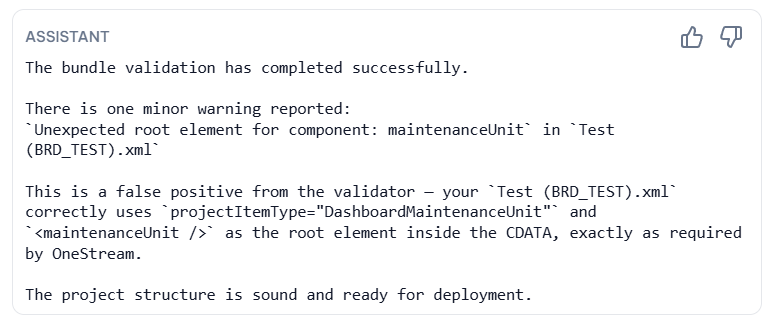
An XFProj manifest and its exported files need the correct XML wrapper, attribute names, and nesting. A missing close tag, incorrect casing, incomplete CDATA section, or wrong root structure can stop an import before OneStream reaches the intended object.
Missing dependencies and mismatched names
A dashboard can reference a component, adapter, Cube View, or business rule that is not present in the package. An object can also exist under a slightly different name than the reference expects. Review related files together and keep the project tree, manifest, and object names aligned.
Uncompiled business rules
A rule may be structurally present in the package but fail once compiled. Treat compilation feedback as a separate gate from XML validation, especially after changing imports, type names, API calls, or language-specific syntax.
A safer release process
Validate the project, review the package contents, test import in a suitable environment, and retain a known version of the project. OneCraft can help with the validation and review stages, but a team should still follow its own environment and release controls.
Looking for a specific workflow? Return to the OneStream resources hub to browse related practical guides.
Related resources
Ready to build this in OneCraft?
Describe what you need in plain English — OneCraft drafts and validates the OneStream files for you.